4 Nov 2023 • 1 min read
Safari inline-block fix for CSS columns layout
Safari misplaces borders in CSS multi-column layouts when items use display inline-block. Here is the problem and the fix.
The problem
Using the CSS columns property gives different results in Chrome and Safari.
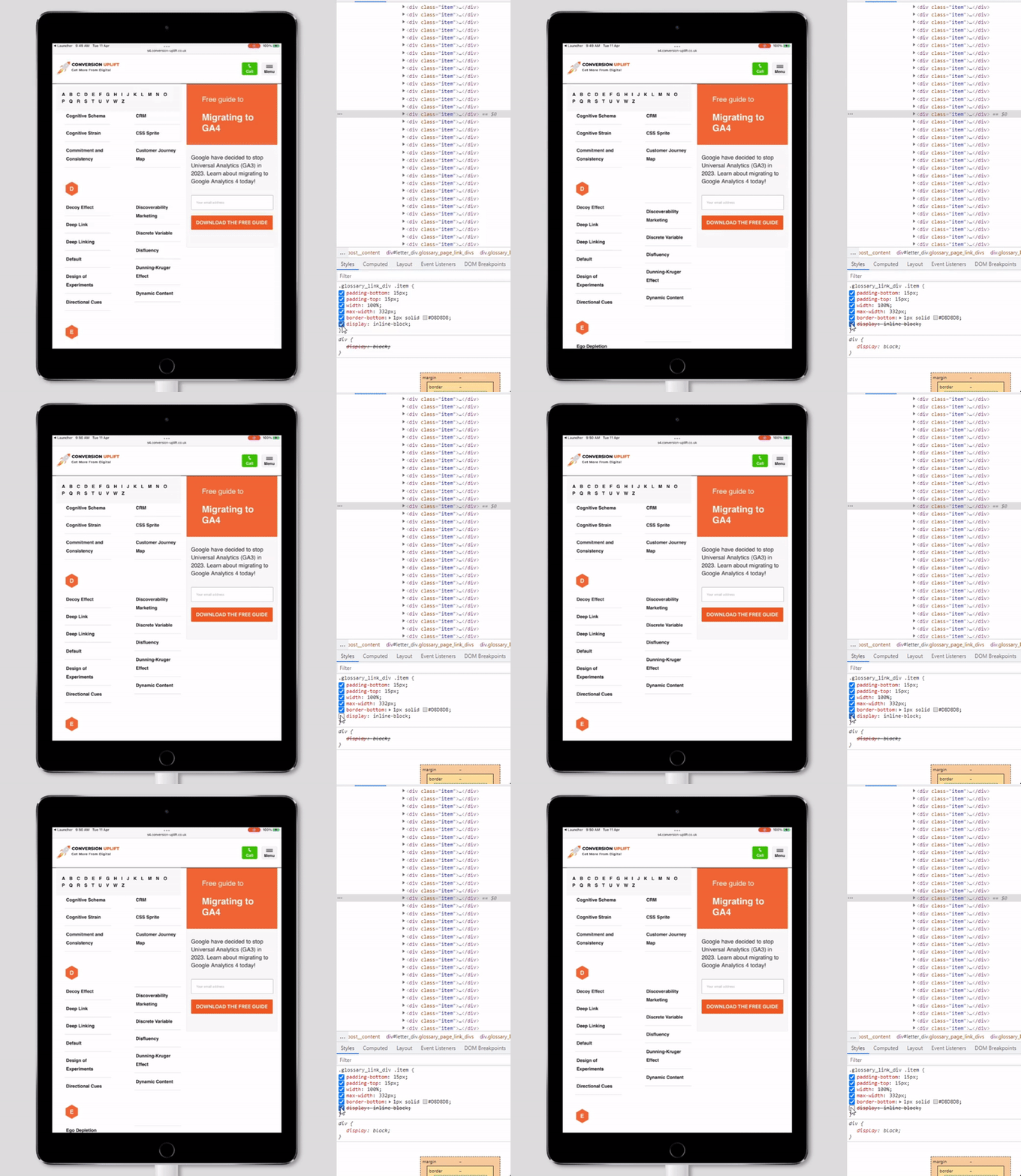
Look closely at the gif. The border position changes if you toggle the display: inline-block rule. In this case, border-bottom for the last child of the left column sits above the first child of the right column. This issue only occurs in Safari.
The finding
border-bottom works incorrectly in Safari while using CSS columns for layout.
The fix
Use display: inline-block along with the border-bottom rule.

Discussion & Comments